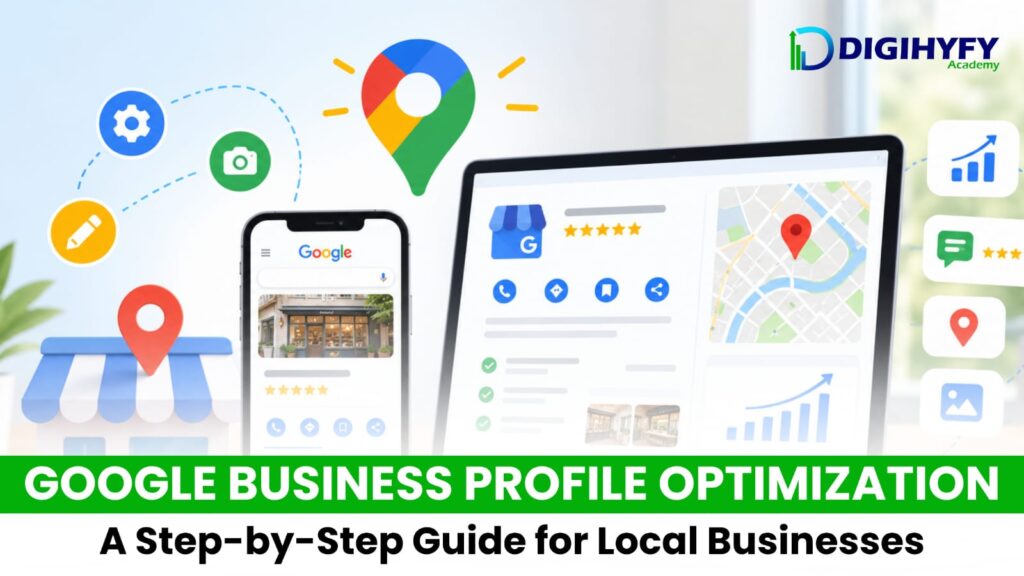
When someone is searching for a business around them, you need to give them quick and clear answers. They want to know where to find you, what you can do for them, what your hours are, and if they can trust you. That is where a Google Business Profile comes in handy.
Local search optimization, or local SEO, relies heavily on your Google Business Profile to rank locally.
Local marketing and digital marketing have to have Google Business Profile optimization as a key part of their strategy. Forcing local marketing and SEO best practice should include using a GBP because it allows the business to rank locally as well as helps customers connect with them easily.
What Is Google Business Profile?
A Google Business Profile is a business listing from Google that allows businesses to show various information about themselves when they appear in Google search results or in Google Maps results.
Features of your Google Business Profile.
You can find your business name, address, website, hours of operation, photo, services offered, and also write about your business by responding to customer reviews. A customer can perform a local search like a digital marketing agency near me and if your business profile is optimized for local search results the listing might appear on there. With those key details already provided it will generate more reasons for a customer to come to your website and read what your business can offer them.
Step 1: Fill in Business Information Be sure to provide accurate and complete information about your business. The business name, the full address, telephone number, website address, business hours, and business category must all be accurate. Ensure the information across all other platforms and websites match this information. This will remove any confusion when a potential customer wants to locate you, contact you, or schedule services from your company.
Step 2: Select your Business Category Choosing your primary business category is one of the most important steps you can take for your Google Business Profile. This category tells Google what type of business your company is. If there are any supporting or related categories that also describe your business then add them as well.
Step 3: Add High Quality Photos A business listing with photos is a lot more approachable than a profile that offers just text. Add high quality images that are relevant to your industry.Photos of your office, your products, your services, your employees, or your location would all be useful. The better photos are, the more enticing a profile might be.
Step 4: Encourage Reviews Customer reviews play a big role in local rankings, as well as business trust. Ask happy customers to leave feedback about their positive experiences with your business. When customers give reviews, be sure to respond to all reviews whether they are positive or negative in a respectful and timely way. Never consider buying any sort of fake reviews – customer reviews can always outlast your fake review.
Step 5: Use Google Business Profile Posts A Google Business Profile update or post encourages users to interact with your business. Send out updates, announcements, offer promotions or special deals, announce new products or services that you are offering, or announce an upcoming business event.
Step 6: List your products and services If your company provides different services and products, add them to your Google Business Profile where appropriate. Give clear descriptions of the services you provide and what a customer can expect. Use keywords for SEO when you are describing your services without spamming keywords every single time you type!
Step 7: Track your performance It is not good enough to create a Google Business Profile and not understand how effective you have been. Monitor how customers are finding your business, which actions they have taken, and on which platforms, your business has appeared.
These analytics are of utmost importance for creating an entire digital marketing plan and strategies for your business.
Learn Google Business Profile Optimization with Digihyfy Academy Developing the skill of Google Business Profile optimization is incredibly beneficial for any business owner or anyone interested in online marketing and SEO.
Digihyfy Academy can introduce you to digital marketing principles, SEO, local SEO, search marketing, social media marketing, online reputation management, keyword research, and much more. Taking this online training with practical, hands-on knowledge of business SEO is crucial to building a strong online reputation in the competitive digital age and it also helps to learn more about how businesses grow their digital presence.
Your Google Business Profile is so much more than just a business listing – it is your online business card.